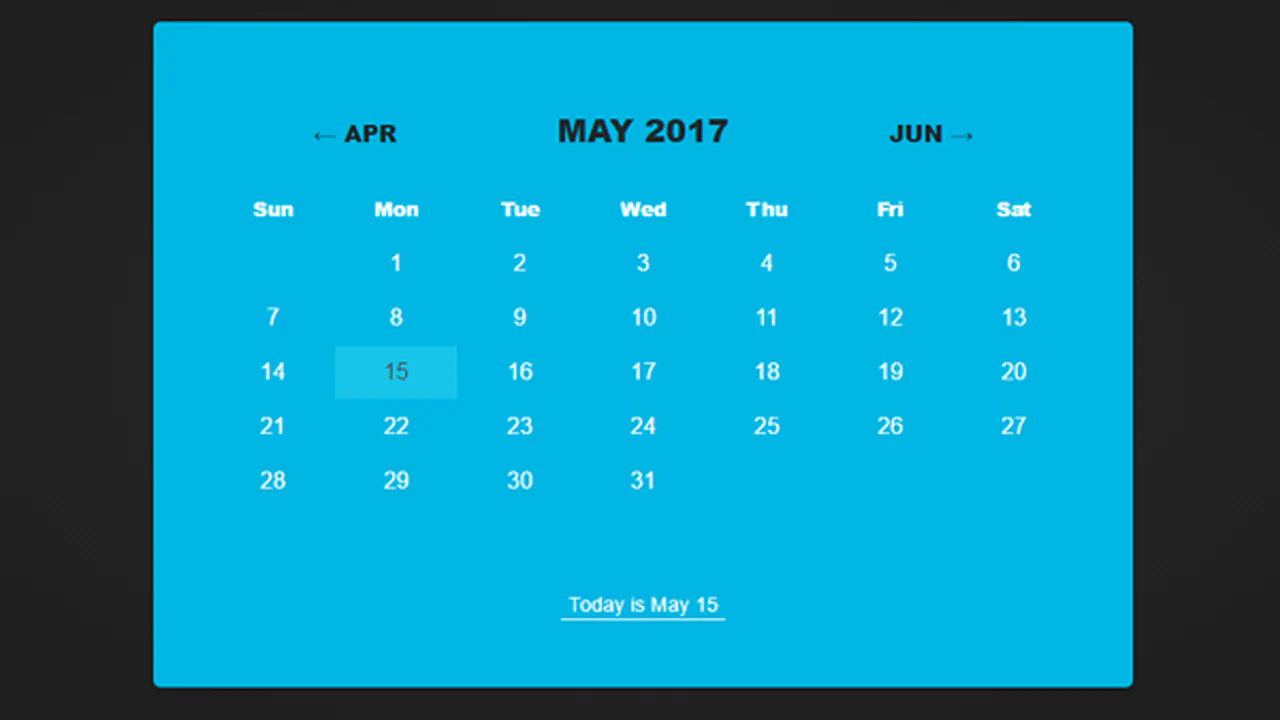
40+ CSS Calendars
Time management requires structural clarity. Pure CSS calendar examples remove the barrier of bloated JavaScript libraries, allowing raw code to display temporal data efficiently. This collection provides logic-driven components for modern UI design. Utilizing these curated snippets ensures a transparent interface where the data directly dictates the grid structure.
These examples rely on CSS Grid to automatically handle complex 7-column date matrix alignments without complex math. State changes, like revealing events, utilize the native :target or :checked pseudo-classes. Hover interactions leverage hardware acceleration, targeting transform and opacity to ensure 60fps performance on the compositor thread. The HTML remains strictly semantic, guaranteeing absolute layout stability and eliminating input latency.
Every free demo in this updated library is fully responsive and cross-browser compatible. Users can instantly download the raw code or fork a specific layout on CodePen. These assets are optimized for performance and keyboard accessibility, delivering a fast, frictionless experience across all modern devices.
Examples

Neomorphic Calendar Card Component
A neomorphic calendar card component with SCSS-driven depth and complex CSS transformations, featuring a concise vanilla JavaScript implementation to display the live UTC date and month.
See the Pen Neomorphic Calendar Card Component.

Duotone Calendar
A dynamic JavaScript calendar widget that automatically generates the date grid for the current month. The design stands out with a custom SVG filter (feColorMatrix) applied to the background image, creating a seamless Duotone effect that blends functionality with a bold, artistic UI.
See the Pen Duotone Calendar.

Calendar
A minimalist yet vibrant card that welcomes the user with the current date in a beautiful typographic presentation.
See the Pen Calendar.

Calendar UI
A static calendar UI mockup designed with CSS positioning techniques and vibrant flat aesthetics.
See the Pen Calendar UI.
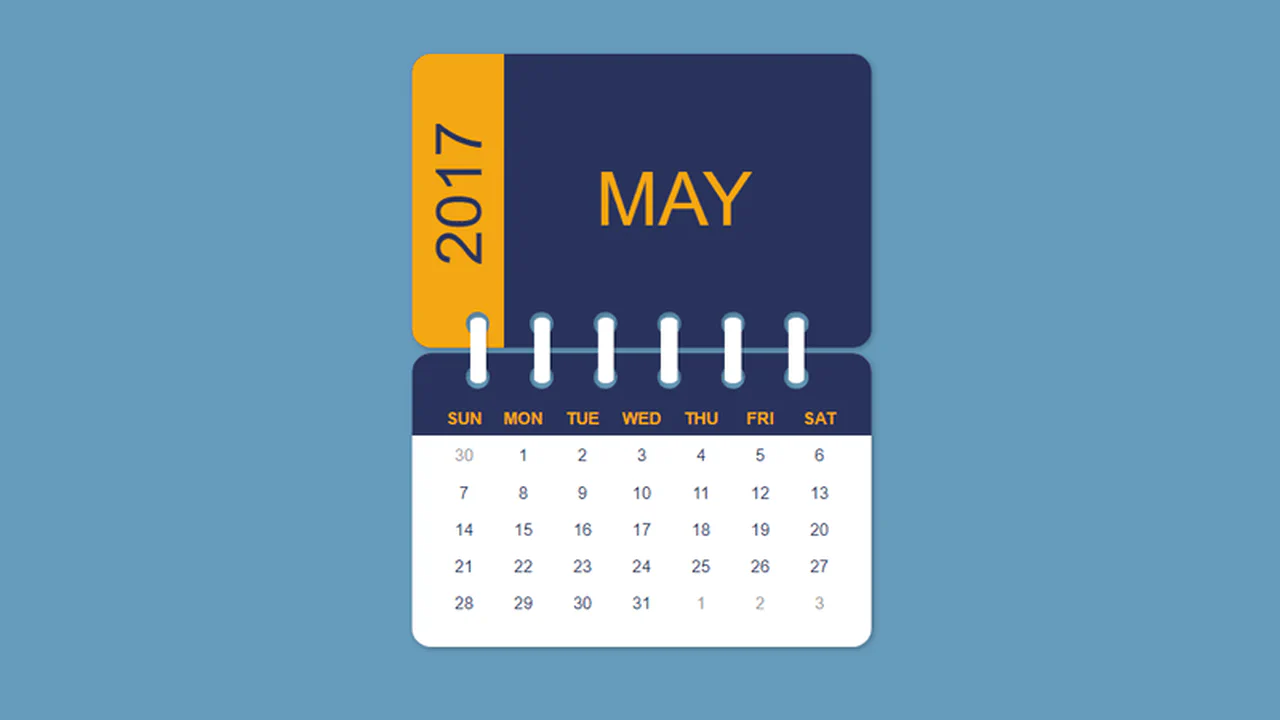

Sass mixins handle percentage‑based positioning and sizing for a stacked calendar layout. Nested loops generate weekday labels and day numbers, while @each and while keep the markup clean. The result is a responsive, purely visual calendar component.
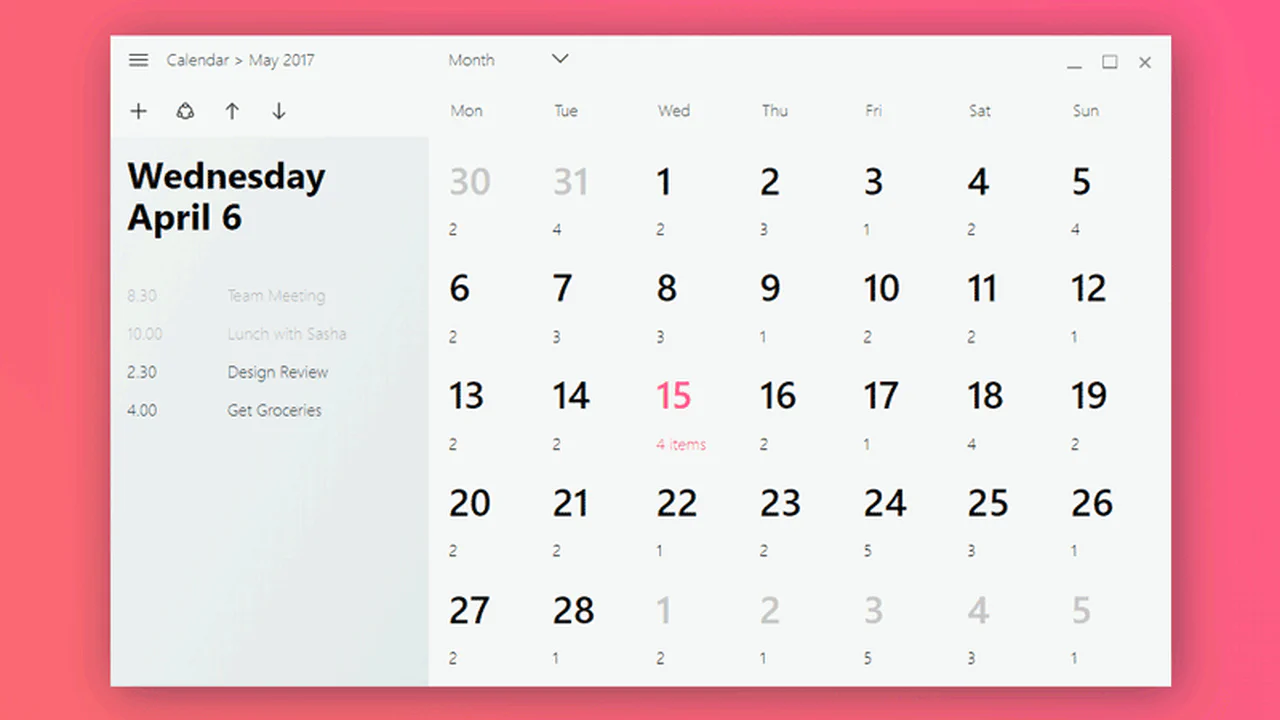
Flex layout arranges the sidebar and day grid — they reflow on mobile. Icons are embedded as base64, adding weight but removing external dependencies.
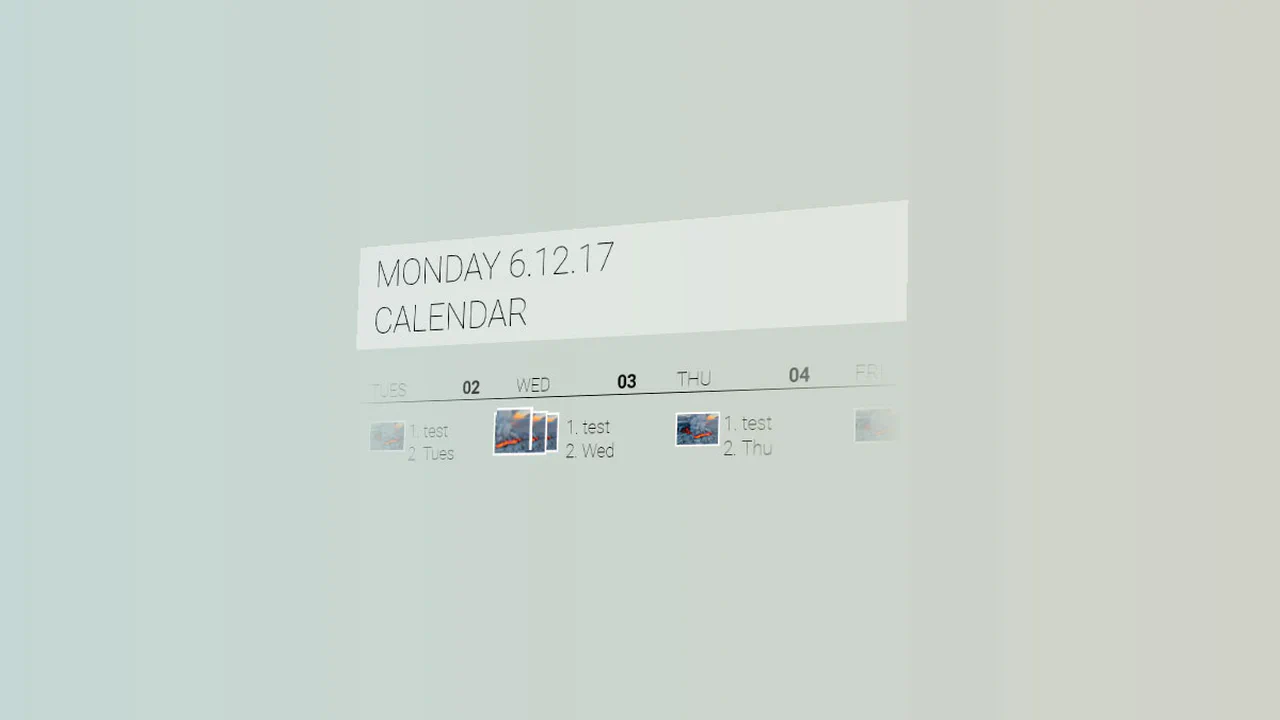
JavaScript toggles a class and adjusts a CSS variable based on label click, shifting the week grid horizontally. The 3D transform on active state adds depth — images stack and move, creating a layered effect. Pug loops keep the markup DRY.
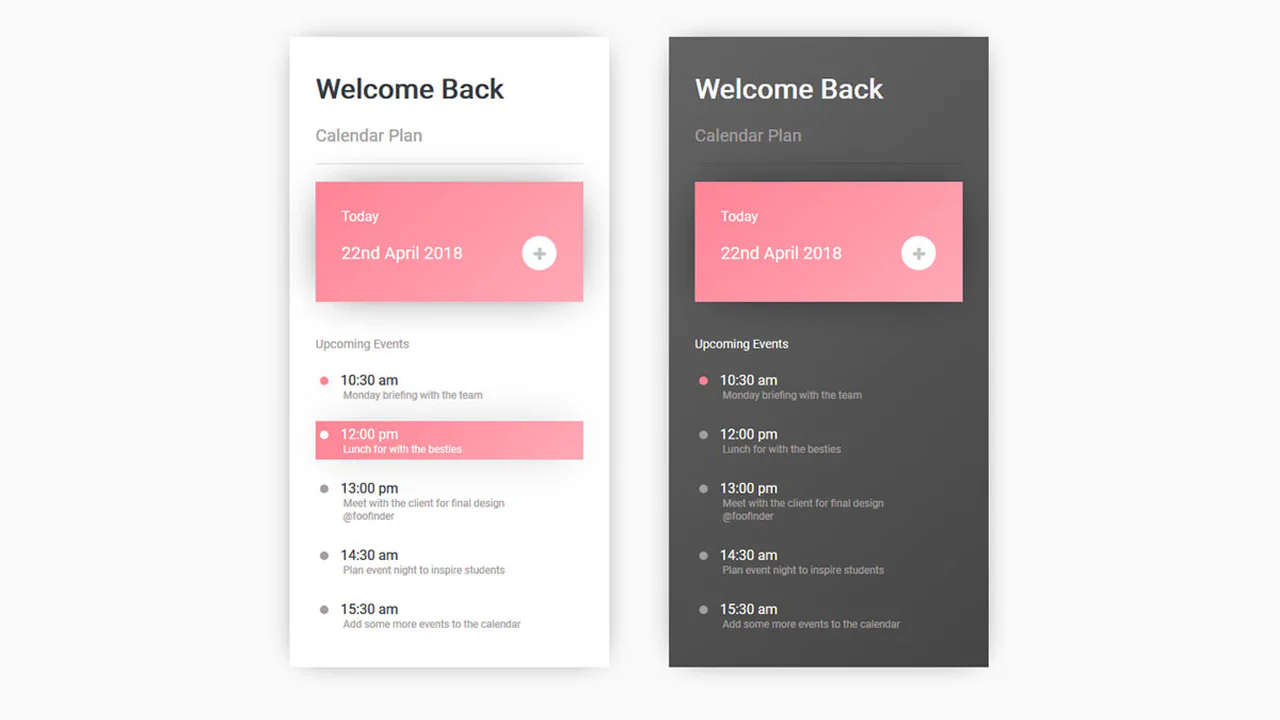
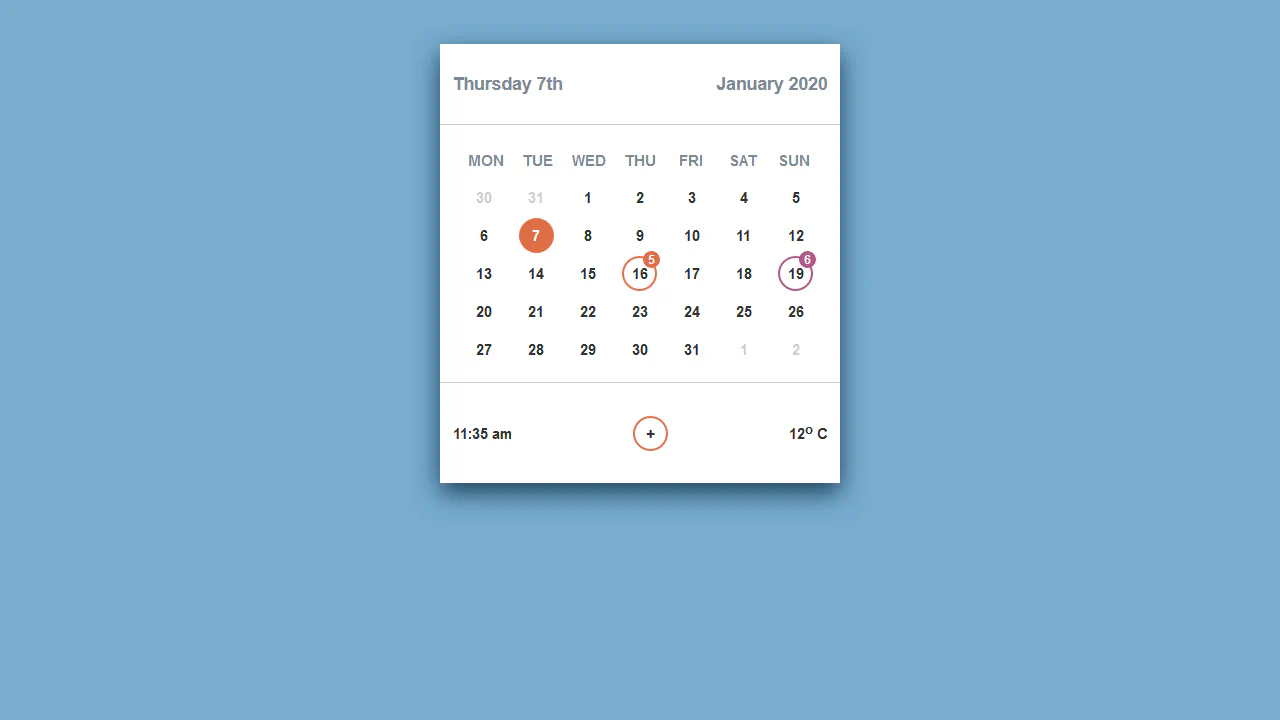
Two calendar themes — light and dark — are implemented as separate blocks with identical structure. Hover effects on events change background and text color, but there’s no actual interactivity — the layout is static. The plus icon is decorative and non‑functional.
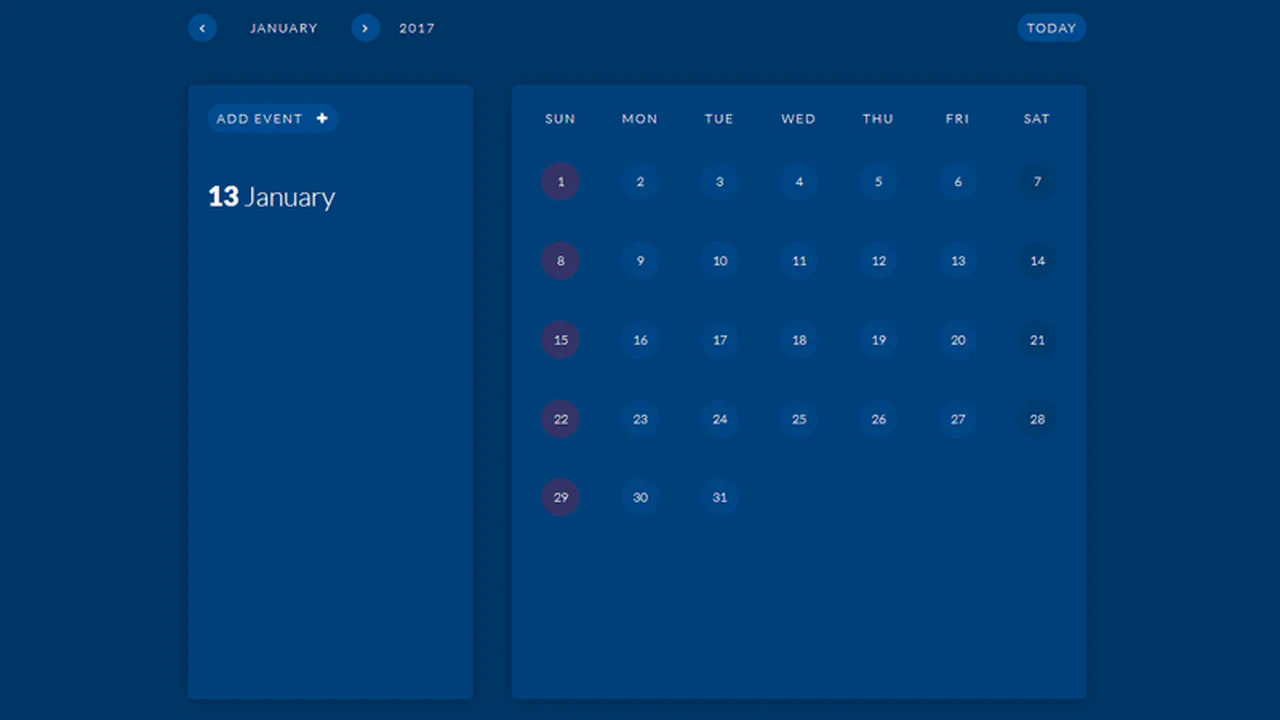
jQuery handles DOM updates and event interactions — clicking a day selects it, and the sidebar displays its events. Months slide horizontally via CSS transforms triggered by pagination buttons. The calendar grid is generated on page load using document.write, which limits dynamic updates without a refresh.
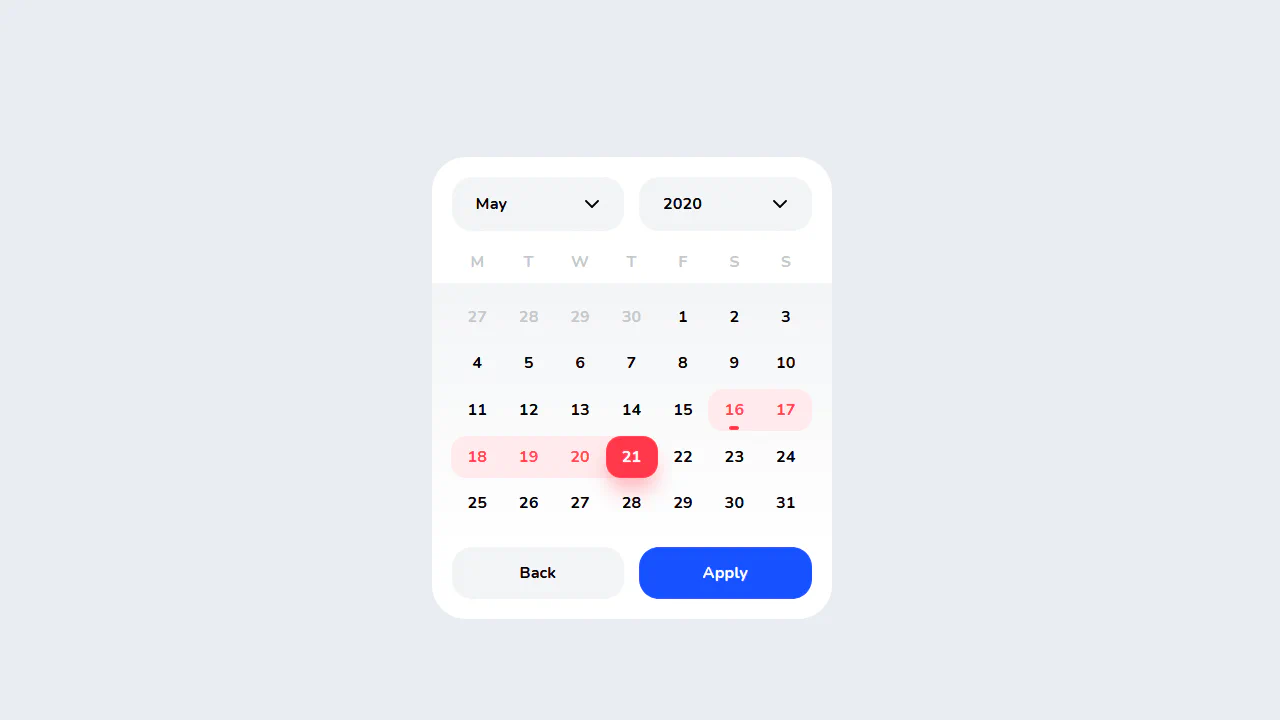
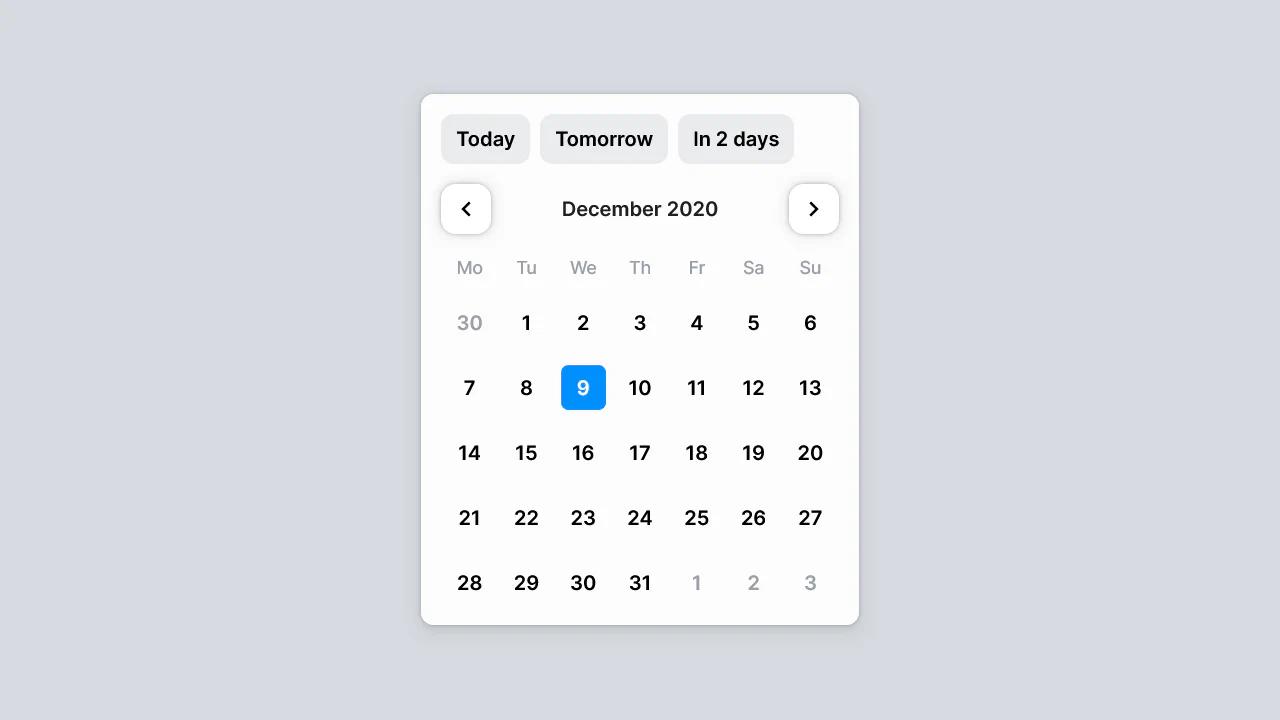
This is a static date‑picker interface built with CSS Grid and custom properties. Pseudo‑elements handle range selection styling — a red background for the selected block and a small dot for the start date. The selects and buttons are purely presentational; no JavaScript ties them to actual date logic.

SCSS variables and BEM keep the code organised — colours and fonts are centralised. The calendar grid is built with flex rows; event modifiers (--long, --start, --end) style multi‑day blocks. No JavaScript — the component is fully static, serving as a visual mockup.
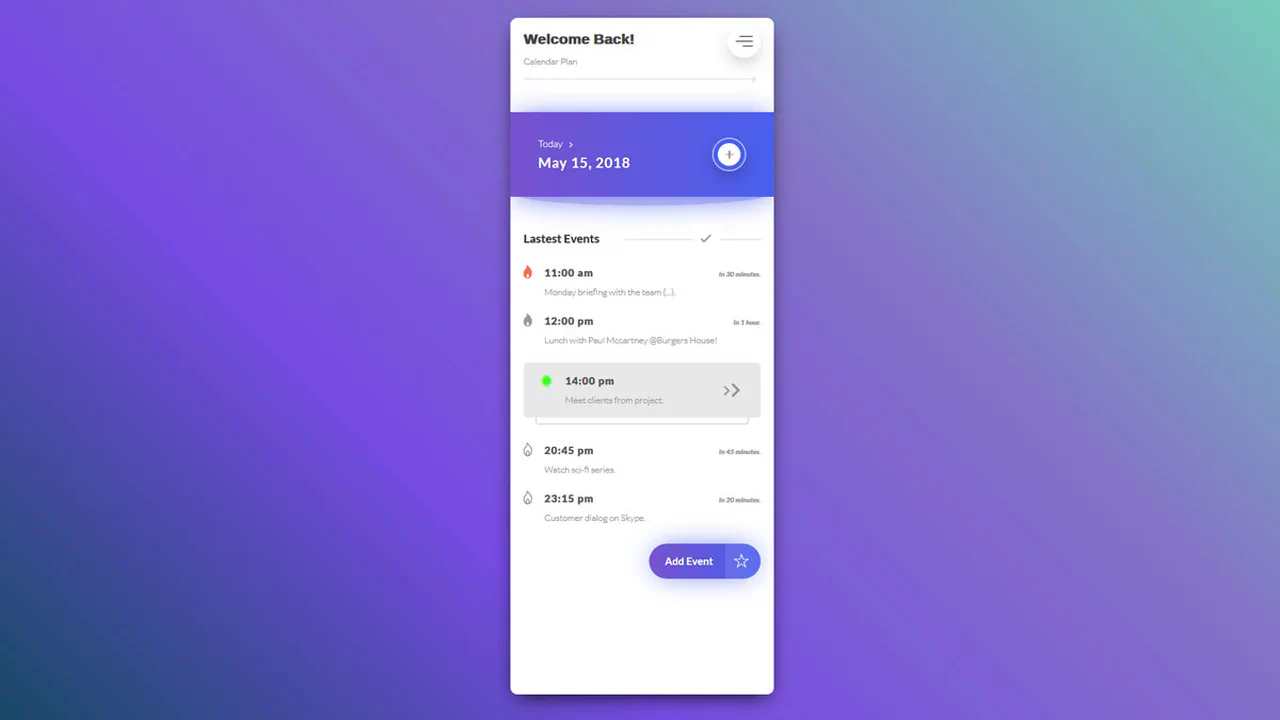
SCSS with nested rules and BEM‑style classes keeps the styles organised. The markup is static — no JavaScript, so the interactive elements (menu, plus icon, buttons) are purely visual. The active event state is handled by an .active modifier, changing background and adding decorative pseudo‑elements.

Background image is blurred via pseudo‑element on body — the calendar itself stays sharp. Days are laid out with CSS Grid; empty cells align the first day. Weekend dates are colored with :nth-child selectors. No JavaScript — the current date is hardcoded.